Showing posts with label technology. Show all posts

Wednesday, August 3, 2016

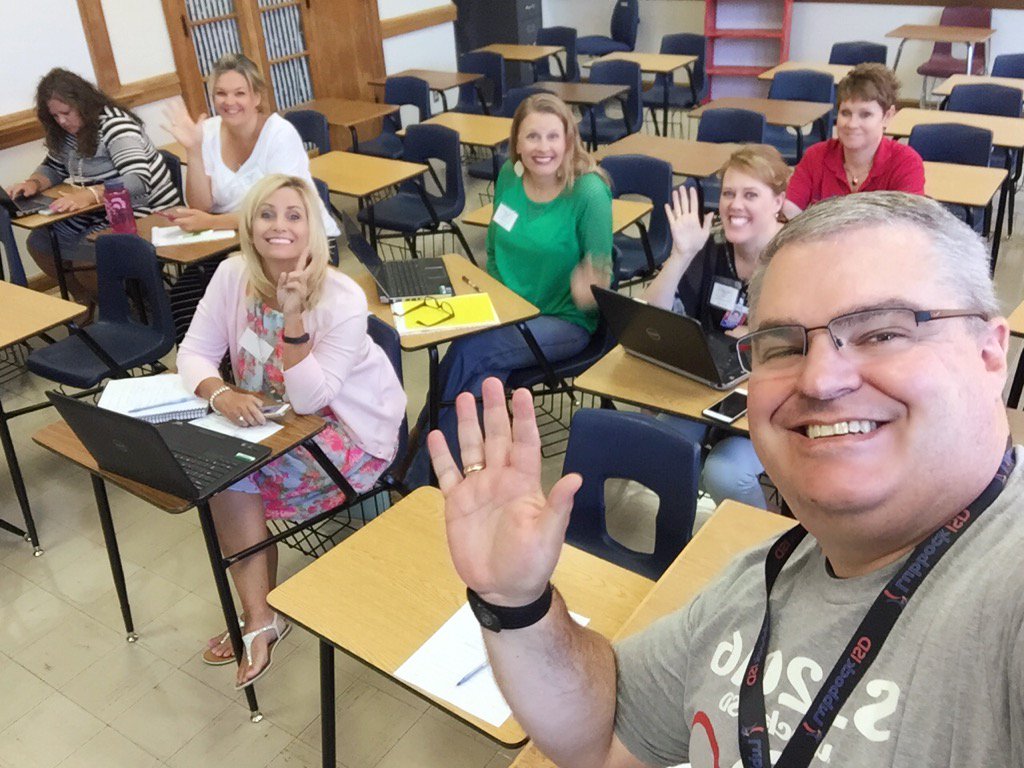
Lubbock ISD Summer Leadership Institute


Had a great time presenting at our district's Summer Leadership Institute. Here are links to my presentations.

Sharing is Caring... For Leaders - 
I shared out resources for our campus and district leaders to help improve their online communication with their stakeholders (students, parents, community). I shared Blogger, Google Sites, Adobe Spark, Microsoft Sway, Twitter, Canva, the Microsoft Selfie App, Vocoroo, Tricider, and Watchkin. Check out the slide deck for links and training resources.

10 Imperatives for Technology in the Classroom -  - Outline
This was a little bit different session that just sharing resource after resource. It was more of theory behind using technology and changing your mindset of what has traditionally been done in the classroom.
I did share some resources on Augmented Reality and dropped a lot of big names in #EdTech.
Tuesday, March 1, 2016

Spruce Up Your Centers with Technology

Tony Vincent has a wonderful presentation about using technology in your classroom centers. I highly recommend you spend the next 20 minutes and watch the video and follow the PDF document full of the ideas from the video.


The Link to his blog with the video, transcript, and PDF with clickable links.

Tony Vincent
@tonyvincent

http://learninginhand.com/

Tuesday, May 19, 2015

21 Things

From the REMC Association of Michigan comes two web sites that help boost your technology knowledge. One is for students and the other is for teachers.

www.21things4students.net


www.21things4teachers.net


Both sites provide twenty-one lessons that are aligned with the ISTE student and ISTE teacher standards. ISTE stands for the International Society for Technology in Education.


Both the student and teacher 21 things cover topics such as What is the Cloud, digital citizenship, and using technology for school and work. All the lessons have short videos to watch and activities to practice the skills learned.

The teacher site gives teachers many tips on how to integrate technology into their classroom as well as opens teacher to new technology tools.

Give these a look to help improve your technology knowledge. . 

Saturday, April 25, 2015

Digital Citizenship

A great article by Vicki Davis (@coolcatteacher) titled "What Your Students Really Need to Know About Digital Citizenship" was on the Edutopia site last year. Not sure how I missed it.

In the article, Vicki shared the "9 Key Ps" she uses with students learning digital citizenship.
1. Passwords
2. Privacy
3. Personal Information
4. Photographs
5. Property
6. Permission
7. Protection
8. Professionalism
9. Personal Brand

A great list and an article worth reading. Take a look

www.edutopia.org/blog/digital-citizenship-need-to-know-vicki-davis 

Wednesday, January 28, 2015

Front Row Pro audio system

In our early grade levels we have the Front Row Pro digital sound systems.

I get asked all the time about training and troubleshooting for this system. There is a very good training video on their website. http://gofrontrow.com/en/pro-digital

There are also video testimonials and user guides on this site as well.

Below is the training video embedded into this site. http://vimeo.com/102566926


Thursday, August 21, 2014

Telling your Story Keynote

Recently, TCEA hosted an online keynote from Steve Dembo. In the presentation he talked about storytelling and the fact that many campuses tell announcements, but not their story. If you have an hour and a half, I encourage you to listen to his presentation ideas to tell your campus story and the good Q&A session at the end. (Skip ahead about 16 minutes to get to Steve's presentation.)

https://www.youtube.com/watch?v=EVNsrPZv98A

Follow Steve on Twitter - https://twitter.com/teach42 

Monday, January 20, 2014

Super Teacher Tools

Super Teacher Tools is a great site to help teachers. There are flash based review games that can be created, tools to use, and a few extras thrown in.


Games- create your own Jeopardy, Millionaire, board games, or Speed match games
Tools -  there is a seating chart maker, group maker, and random name generator
Extras - give access to a classroom timer, a classroom countdown clock, and a QR code generator

https://www.superteachertools.net/

Friday, January 17, 2014

World Digital Library

The World Digital Library is an online resource with over 9,000 cultural treasures including manuscripts, maps, books, music, films, and photographs. Use the map and time line slider, browse by place, time, topic, type, or institution, or just conduct a keyword search to find a resource you can use.

http://www.wdl.org/en/