Showing posts with label Edtech. Show all posts

Tuesday, June 24, 2025

Triple G: Gobs of Google Goodies


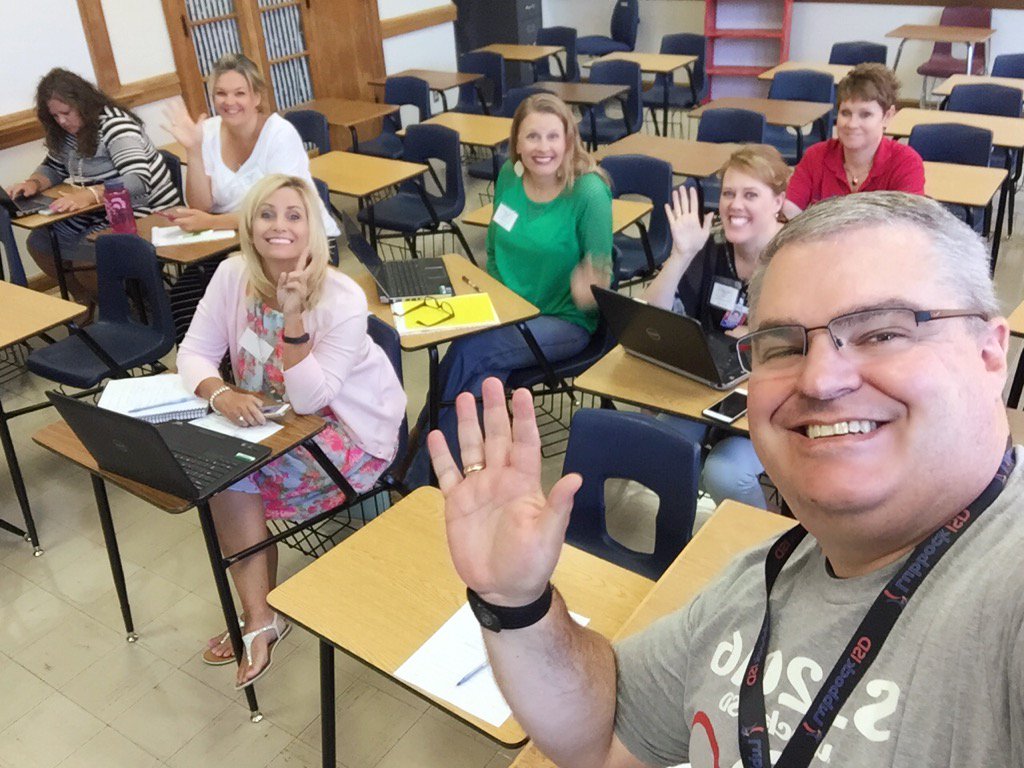
Had the fun opportunity to present at our district's SPARK Digital Learning conference. It was a very fun group to present Gobs of Google Goodies to. We started with the Cha-Cha Slide and ended singing like Freddie Mercury. Hopefully, fun was had by all.

Triple G: Gobs of Google Goodies


I Don't Know What to Create

 Time after time, I hear teachers who want to do something with students using technology but are unsure what to create. Here is a list of products students can make that show off their knowledge. 


  1. Audio Recording
  2. Advertisement
  3. Analogy
  4. Animation
  5. Avatar
  6. Blog
  7. Book Jacket
  8. Brochure
  9. Bulletin Board
  10. Cards (Playing/Task)
  11. Character Conversations
  12. Class Book
  13. Creative Nonfiction
  14. Collage
  15. Comedy Skit
  16. Comic Strip
  17. Commercial
  18. Concept Map
  19. Conversation
  20. Dance
  21. Data/Analytics Visualization
  22. Debate
  23. Demonstration
  24. Diary Entry
  25. Digitally-Documented Discussion
  26. Diorama
  27. Doodle
  28. Drawing
  29. eBook
  30. Essay
  31. Experiment
  32. Fake Social Media Account
  33. Film
  34. Freestyle (hip-hop)
  35. Flow Chart
  36. Game
  37. Gif Animation
  38. Glossary
  39. Google Earth Tour
  40. Graph
  41. Graphic Organizer
  42. Infomercial
  43. Interview
  44. Kahoot!
  45. Learning Log
  46. Literature Circle
  47. Live Stream
  48. Magazine
  49. Map
  50. Mock-Up/Wireframe
  51. Mock Product-Pitch
  52. Model
  53. Monologue
  54. Movie Poster
  55. Mural
  56. Mash-Up
  57. News Report
  58. Newsletter/ Newspaper
  59. Panel Discussion
  60. Paper Slides Video
  61. Photo
  62. Podcast
  63. Poem
  64. Portfolio
  65. Poster
  66. Presentation (Google Slides)
  67. Product
  68. Puppet Show
  69. Reenactment
  70. Relevant Visualization
  71. Review
  72. Role-Play
  73. Rules/Framework
  74. Scavenger Hunt
  75. Scrapbook
  76. Sculpture
  77. Survey
  78. Self-Directed Project
  79. Self-Directed Short Video
  80. Show & Tell
  81. Simulation
  82. Six Word Story
  83. Social Media Branding
  84. Socratic Discussion
  85. Song
  86. Stop Motion Animation
  87. Speech
  88. Tag Cloud
  89. Team-Building Game
  90. Time Capsule
  91. Theatrical Play
  92. Timeline
  93. Tutorial
  94. Video Game
  95. Website
  96. Whiteboard Animation
  97. Word Splash
  98. Word Wall
  99. Wiki
  100. YouTube Channel

Monday, April 15, 2024

A.I. presentation

 Working on a new (I guess more like updated) A.I. presentation for some summer classes. How does anyone keep up with this new stuff?!? So much to tell teachers and so little time. Keep looking at our social media for @LISDTechTips on Facebook, X(Twitter), Instagram, and Threads. 


This license lets others remix, adapt, and build upon your work non-commercially, and although their new works must also acknowledge you and be non-commercial, they don’t have to license their derivative works on the same terms.

Sunday, June 3, 2018

South Plains Summit

Excited to present at the EdTechTeam Summit featuring Google for Education in Lubbock this week. This is the third annual South Plains Summit.

Hopefully, everyone is ready to take a field trip. A virtual one that is.

https://events.edtechteam.com/southplains2018 

WooHoo! It's Field Trip Day! 

Every day can be field trip day if you utilize the many Google tools to take a virtual field trip. Come learn about the Google Geo Tools as well as tips and best practices for creating virtual field trips.

Wednesday, August 3, 2016

Lubbock ISD Summer Leadership Institute


Had a great time presenting at our district's Summer Leadership Institute. Here are links to my presentations.

Sharing is Caring... For Leaders - 
I shared out resources for our campus and district leaders to help improve their online communication with their stakeholders (students, parents, community). I shared Blogger, Google Sites, Adobe Spark, Microsoft Sway, Twitter, Canva, the Microsoft Selfie App, Vocoroo, Tricider, and Watchkin. Check out the slide deck for links and training resources.

10 Imperatives for Technology in the Classroom -  - Outline
This was a little bit different session that just sharing resource after resource. It was more of theory behind using technology and changing your mindset of what has traditionally been done in the classroom.
I did share some resources on Augmented Reality and dropped a lot of big names in #EdTech.