Showing posts with label presentation. Show all posts

Tuesday, June 24, 2025

Triple G: Gobs of Google Goodies


Had the fun opportunity to present at our district's SPARK Digital Learning conference. It was a very fun group to present Gobs of Google Goodies to. We started with the Cha-Cha Slide and ended singing like Freddie Mercury. Hopefully, fun was had by all.

Triple G: Gobs of Google Goodies


Monday, April 15, 2024

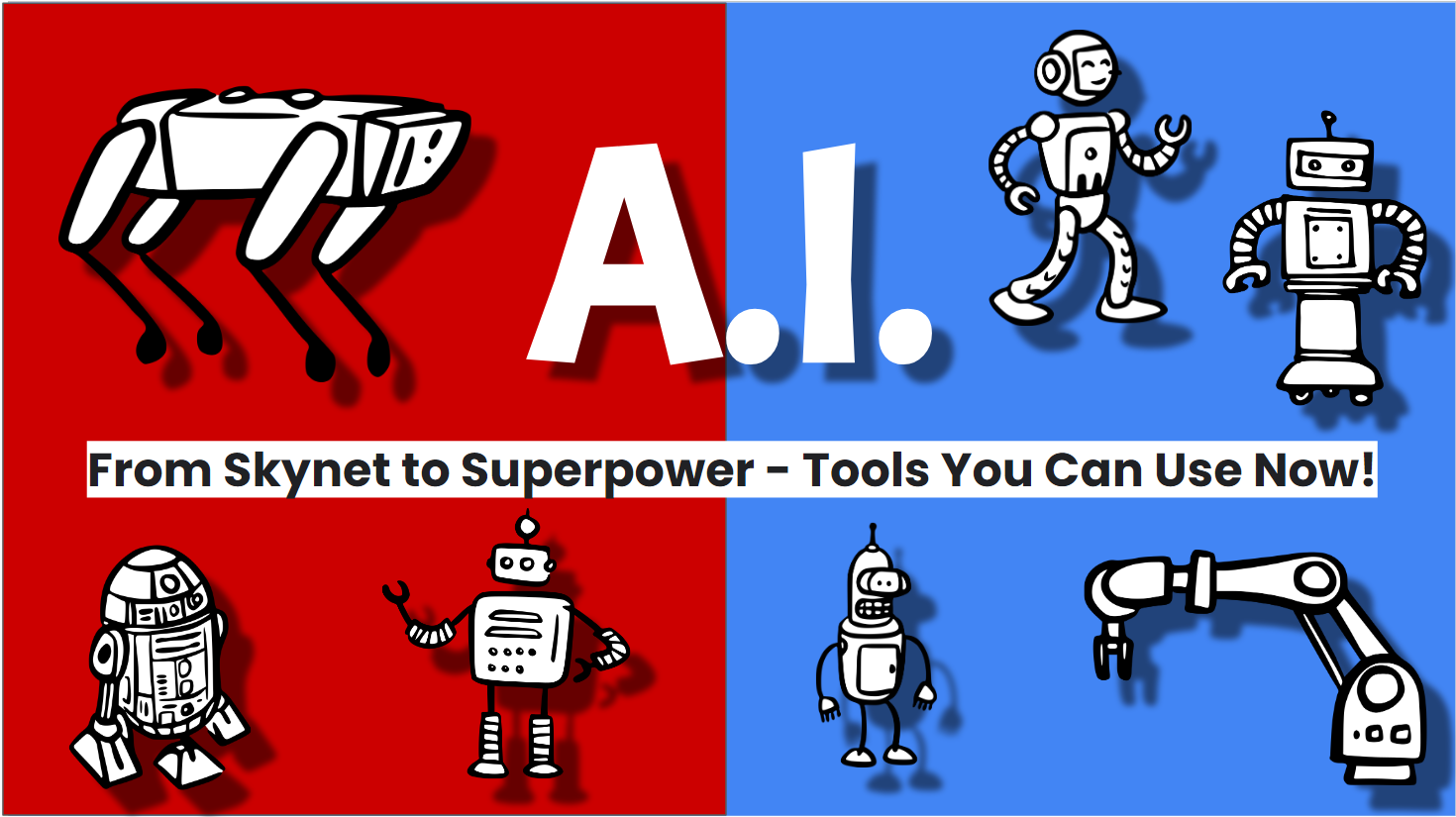
A.I. presentation

 Working on a new (I guess more like updated) A.I. presentation for some summer classes. How does anyone keep up with this new stuff?!? So much to tell teachers and so little time. Keep looking at our social media for @LISDTechTips on Facebook, X(Twitter), Instagram, and Threads. 


This license lets others remix, adapt, and build upon your work non-commercially, and although their new works must also acknowledge you and be non-commercial, they don’t have to license their derivative works on the same terms.

Tuesday, May 30, 2023

My Ignite 2023 Presentations


Looking forward to presenting again this year at our district technology conference Ignite 2023. 


A.I.: The Computers are Learning


This license lets others remix, adapt, and build upon your work non-commercially, and although their new works must also acknowledge you and be non-commercial, they don’t have to license their derivative works on the same terms.

Friday, May 27, 2022

My Ignite 2022 Presentations

The Ignite conference is here! Here are my three presentations.


Day 1 - Session 1 - 9:45 am - Room 156

Creativity with Chromebooks - https://bit.ly/SFcreativity 


Day 1 - Session 3 - 1:15 pm - Room 156

Tell Your Tale Through Digital Storytelling - https://bit.ly/SFdigstory 


Day 2 - Session 6 - 10:15 am - Room 156

The Wild and Wacky Side of Google - https://bit.ly/SFWild 


This license lets others remix, adapt, and build upon your work non-commercially, and although their new works must also acknowledge you and be non-commercial, they don’t have to license their derivative works on the same terms.

Monday, May 23, 2022

ALMOST TIME!!!


I am getting extremely excited (and a bit nervous). After a 2 yr hiatus from presenting (thanks stupid COVID!!!) I am finally getting the opportunity to present to a group again. 

Looking forward to our Lubbock ISD Ignite 2022 Technology Conference put on by our Digital Learning department. 


I have three sessions this year. 

  • Creativity with Chromebooks (June 1st, 9:45 am)

  • Tell your Tale with Digital Storytelling (June 1st, 1:15 pm)

  • The Wild, Wacky, and Fun Side of Google (June 2nd, 10:15 am)

I'll post the three presentations here early next week. 

As always, I offer up my sessions to show your staff as long as credit is given and resources are not sold. 

Friday, October 12, 2018

9th Annual Lubbock ISD Summer Leadership Institute


August 1st through the 3rd, Lubbock ISD once again hosted their Summer Leadership Institute for the campus administrators and campus leadership teams.

I was able to present again this year. My title was probably stupid enough to keep people away, but hopefully, the ones that attended understood the message of creativity in the classroom.

Check out my presentation below.

Transformational Mumbo Jumbo


Wednesday, July 20, 2016

How to Give a Bad Presentation

ISTE Crowd

How to Give a Bad Presentation

It sounds like a terrible topic, but I found three videos which will hopefully help you as you prepare for your next presentation. As I prepare for three presentations I have coming up in the next couple of weeks, I watched these videos reminding myself to not be like these presenters (anymore). Hopefully, I don't. Enjoy!


Tuesday, June 16, 2015

Google Slides Background

From Kelly Fitzgerald comes a great tutorial on some of the issues of a picture background on Google slides and how you can use the Slides master slide to help.


Make sure to check out Kelly's blog at http://edtechnut.blogspot.com/ . You wont be disappointed! She is a wonderful Google trainer and leader in the EdTech community. 

Thursday, March 5, 2015

Using Google Slides to Organize Research

One of the hardest things to get students to do is to cite their research. Where did that picture or article come from.

The following video from Richard Byrne, from Free Technology for Teachers, is a great example of using Google Slides and the research tool to help search for and cite their findings.


http://youtu.be/unU150lirO4

Wednesday, November 12, 2014

Appy Hour

I have been asked to attend our district's monthly Leadership meetings to help present an "Appy Hour" time of the meeting. The hour in the title is a little misleading. We have 15 minutes and Appy Quarter-hour just didn't have the same ring to it.

The first month we were asked to present Google Apps for Education as it is new to most of our leadership team. So we did. It seemed to go over well and we are seeing an increase in GAFE usage with teachers and students. Not really an app, but useful.

The second month we were asked to present the SAMR model. Ok, I know you are asking when are we getting to the Apps of Appy hour. Because we were. SAMR is rushing through education at the moment as a model for helping teachers take a look at their classroom assignment and help layer technology to either enhance the lesson or transform the lesson.

A pretty good video explaing the SAMR model.


So, the third month, a review of SAMR with a look at some TEKS and some substitution and augmentation examples, and finally some apps.

So we decided on these three apps to mention.

Mastery Connect TEKS - displays core content TEKS. There is an iOS and Android app
https://itunes.apple.com/us/app/texas-state-core-standards/id892241715
https://play.google.com/store/apps/details?id=com.masteryconnect.tx 

Then we did a small App Smash with the next two.

DocScan HD - take a picture of a document and turn it into a PDF or JPEG. The free version allows you to save to your iPad and email the document. The paid version allows you to upload to cloud services like Box, Dropbox, and Google Drive.
https://itunes.apple.com/us/app/doc-scan-hd-scanner-to-scan/id467016332?mt=8 has in App purchase of $3.99 to upload to cloud services.

Since we can upload to Google Drive, the third app we showed as Drive.
Basically we showed the same functionality of the web version with creating, editing, and sharing documents.
https://itunes.apple.com/us/app/google-drive-free-online-storage/id507874739?mt=8
https://play.google.com/store/apps/details?id=com.google.android.apps.docs&hl=en

Not sure what the fourth meeting will hold yet. It will be in December, so I am thinking some photo and video editing apps since the holidays are times for taking pictures.
Any suggestions?

Monday, May 5, 2014

What makes a Good Presentation

I get to give presentations from time to time about various topics in technology.  A few of them can be found on my Slideshare page. http://www.slideshare.net/scofire/ 

I get to watch a lot of presentations about technology. Some are great, some need a little help, and some I wish I could hand off to one of my students and say "here, make this better".


Came across this great blog post from Garr Reynolds from his blog Presentation Zen. It discusses a list his students came up with of Good and Bad Elements of a presentation.

http://www.presentationzen.com/presentationzen/2014/04/what-are-the-elements-of-a-great-presentation.html


Read that and also make sure to check out Don McMillan's funny presentation "Life After Death by PowerPoint". This is an updated expanded version of his original 2008 presentation. Worth your 10 minutes.


Wednesday, January 29, 2014

Pick the perfect color scheme

I will be the first one to admit that I am not the most artistic person. Never have been. In elementary school one time we had to color an Easter bunny coloring sheet (as a teacher I now those are keep busy keep quiet sheets). Mine was brown, scribbled, outside the lines... just a mess. The nicest thing my teacher said about it is that my bunny looked fuzzy. Definitely tried to make me feel better about my lack of talent.

These days when I have to put together a presentation, web page, logo, flyer... I use a couple of tools to help me with colors. I also recommend this to my online HS Web design class.

Color Schemer -  http://www.colorschemer.com/online.html
select your color and a selection of colors come up that look good with your original selection.
This also gives you the RGB and HEX codes for your color.


Color Scheme Designer - http://colorschemedesigner.com/
You can set just mono color, complement, triad... more stuff I don't totally know all about. You can also check for color blindness and get the RGB and CSS codes for your HTML. You can also see your color scheme against a light page example and a dark page example.


No more excuses for bad color combinations.